
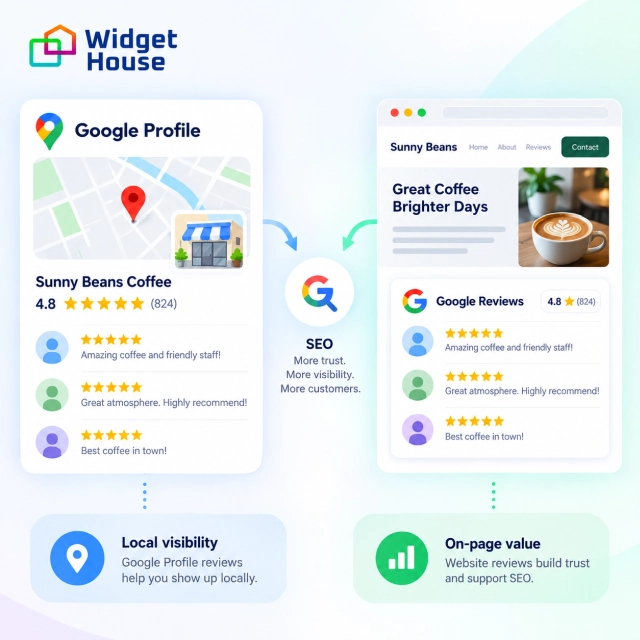
Google reviews can help SEO—but reviews on your Google Business Profile and reviews displayed on your website work in different ways.
Reviews published on Google can contribute to local search visibility. Reviews added to your website do not provide an automatic ranking boost, but they can add useful customer language, strengthen trust, and help more visitors become customers.
Google Business Profile Reviews vs. Reviews on Your Website
It is important to separate these two effects.
| Where reviews appear | Main benefit |
|---|---|
| Google Business Profile | Can support local search and Google Maps visibility |
| Your website | Can add context, social proof, and conversion value |
| Review widget | Keeps website reviews current without manual updates |
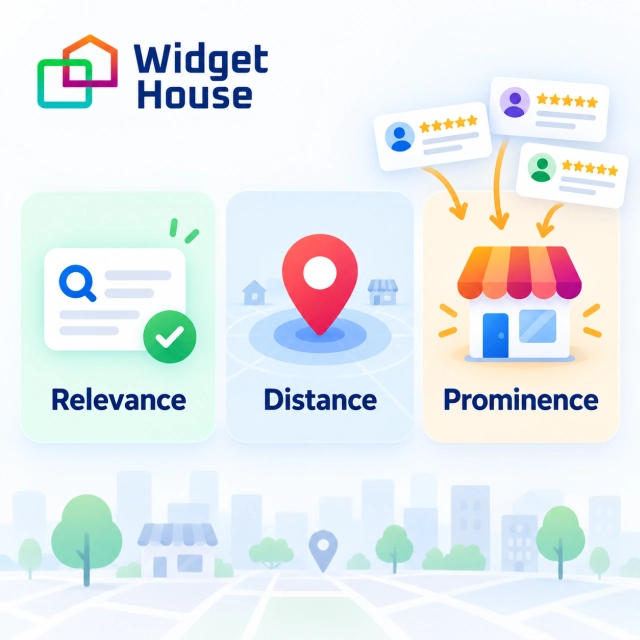
Google explains that local rankings are mainly based on three factors:
- Relevance
- Distance
- Prominence
Reviews are part of prominence. Google specifically states that more reviews and positive ratings can help a business’s local ranking. However, reviews are only one part of the system, and Google does not publish a specific number of reviews required to rank.
Source: Google — Tips to Improve Your Local Ranking.
This means a business with hundreds of reviews will not necessarily outrank every competitor. Distance from the searcher, business categories, website relevance, profile completeness, and other signals also matter.
Can Google Reviews on Your Website Improve SEO?
Adding Google reviews to your website does not recreate their Google Business Profile ranking effect. Google has not identified a Google Reviews widget as an independent ranking factor.
However, reviews can still support a page in several useful ways.
1. Reviews Add Natural Customer Language
Customers often describe a service differently from the business itself.
A plumbing company might write:
Emergency residential plumbing services.
A customer might write:
They replaced our leaking water heater the same afternoon and explained the price before starting.
The review naturally introduces topics such as:
- Water heater replacement
- Same-day service
- Residential plumbing
- Transparent pricing
This language can provide additional context about the page, especially when the reviews are relevant to the service being described.
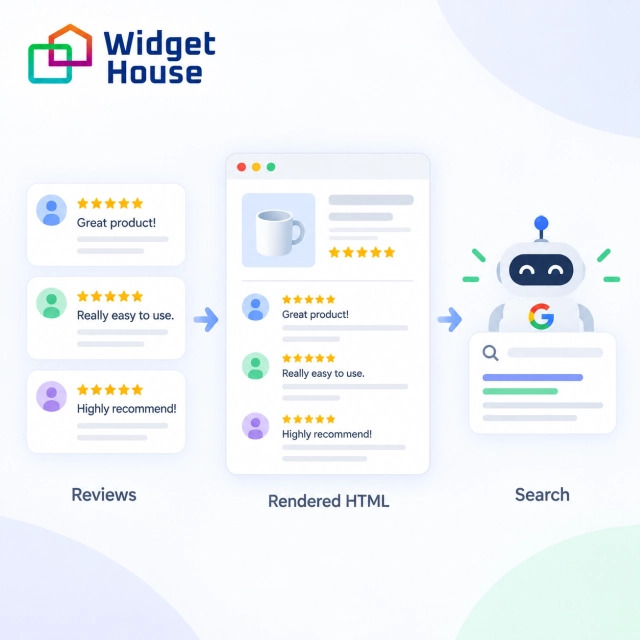
The potential SEO value depends on whether Google can access the review text. Google processes JavaScript pages through crawling, rendering, and indexing, and uses the rendered HTML to understand page content. If the reviews are not visible in the rendered HTML, Google cannot index them.
Source: Google — JavaScript SEO Basics.
2. Reviews Can Support Service and Location Pages
Reviews are most useful when they match the purpose of the page.
For example:
- A roof repair page should show reviews about roof repairs.
- An HVAC installation page should show installation reviews.
- A dental implant page should show reviews from implant patients.
- An Austin location page should preferably show reviews connected to that location.
A smaller group of relevant reviews is usually more helpful than a large carousel of unrelated comments.
Reviews should support the main page content—not replace it. The page still needs its own service description, location information, benefits, images, FAQs where appropriate, and clear calls to action.
3. Reviews Can Make Organic Traffic More Valuable
Even when a review widget does not change rankings, it can help visitors feel more confident about contacting or buying from the business.
Reviews can answer questions that ordinary sales copy often does not:
- Did the company respond quickly?
- Was the final price clear?
- Was the product easy to install?
- Did the service solve the problem?
- Would the customer use the company again?
This can improve the value of the organic traffic the website already receives.
What Research Says About Reviews and Conversions
The Medill Spiegel Research Center at Northwestern University studied how online reviews influence purchase decisions.
The researchers found that the purchase likelihood for a product displaying five reviews was 270% greater than for a product displaying no reviews. They also found that the additional benefit began to decrease after the first five reviews.
Source: Northwestern University — How Online Reviews Influence Sales.
This does not mean that adding five Google reviews will improve Google rankings by 270%. The study examined purchase behavior, not search algorithms.
Its practical lesson is simpler: visitors are more likely to trust and consider an offer when they can see feedback from other customers.
How to Use a Google Reviews Widget Correctly
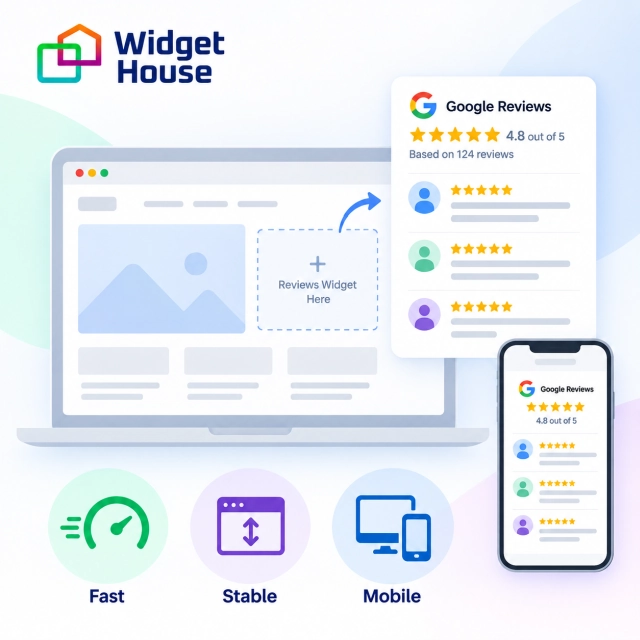
A Google Reviews widget makes it easier to display current customer feedback without manually copying and updating every review.
With the Widget House Google Reviews Widget, you can connect your Google reviews, choose a layout such as a grid, slider, carousel, or badge, customize the appearance to match your website, and add the finished widget to your pages.
The widget does not create an automatic SEO boost. Its main value is that it helps keep social proof current and lets you place relevant reviews where they can support customer decisions.
To get the most value from the widget, follow a few basic rules.
Connect your Google reviews, choose a layout, and preview your widget before adding it to your website.
Display Reviews on Important Pages
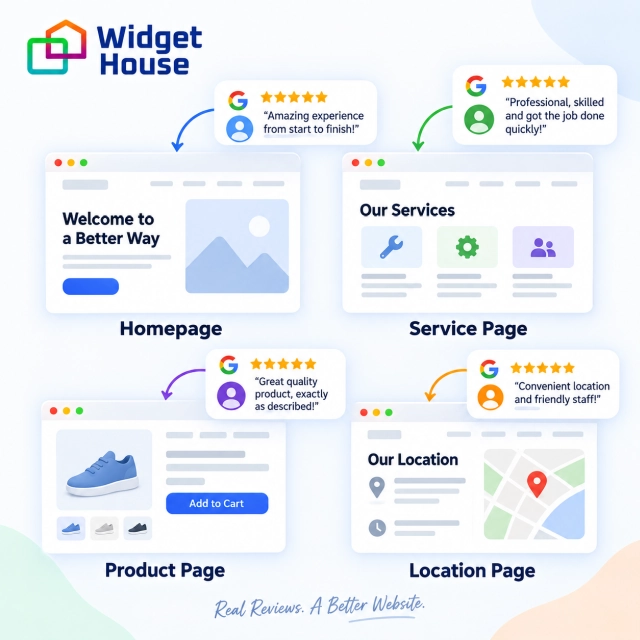
The most useful placements usually include:
- Homepage
- Main service pages
- Location pages
- Product or pricing pages
- Booking and contact pages
Place reviews close to important decisions, such as a pricing block, booking button, lead form, or product description.
Keep the Main Content Outside the Widget
Your H1, service descriptions, location details, pricing information, and calls to action should remain visible even if the widget fails to load.
A page should never depend entirely on third-party review content to explain what the business offers.
Show Relevant Reviews
Do not automatically display the same 20 reviews on every page.
A better structure is:
- Homepage: overall customer experience
- Service page: reviews about that service
- Location page: reviews associated with that location
- Pricing page: reviews about value and purchasing
Protect Website Performance
Review widgets can add scripts, profile images, animations, and external requests. A poorly optimized widget may slow down the page or cause content to move while loading.
Google recommends maintaining good Core Web Vitals for both search performance and user experience.
Source: Google — Understanding Core Web Vitals.
Keep the widget lightweight:
- Do not load hundreds of reviews at once.
- Limit unnecessary animations.
- Reserve space for the widget before it loads.
- Test it on mobile devices.
- Compare page speed before and after installation.
Will a Google Reviews Widget Give You Stars in Search?
Usually not.
Google supports review structured data for certain eligible page types. However, reviews about a business placed on that business’s own website are considered self-serving.
This rule applies whether reviews are:
- Added manually
- Included directly in structured data
- Imported from another platform
- Displayed through a third-party review widget
Google does not display review rich results for self-serving reviews connected to LocalBusiness and Organization schema types. Google also specifically states that embedding a third-party widget is considered controlling the review-linking process.
Source: Google — Making Review Rich Results More Helpful.
You do not need to remove the reviews from your website. They can still help users evaluate the business. Google simply will not normally show review stars for those pages in organic results.
What U.S. Businesses Should Avoid
Businesses should collect authentic reviews without trying to manipulate ratings.
Google defines reviews influenced by payments, discounts, free products, free services, or other benefits as incentivized reviews. Such incentives can undermine review integrity and violate Google’s policies.
Source: Google — Incentivized or Biased Reviews.
Businesses should avoid:
- Buying fake reviews
- Offering rewards for Google reviews
- Asking specifically for five-star reviews
- Pressuring customers to change negative ratings
- Asking customers to include exact keywords
- Using employee or family reviews that involve a conflict of interest
The Federal Trade Commission also prohibits businesses from offering compensation or incentives that are expressly or implicitly conditioned on a positive or negative review.
Source: FTC — Consumer Reviews and Testimonials Rule.
A safe review request is simple and neutral:
Thank you for choosing our business. We would appreciate your honest feedback about your experience.
Final Verdict: Do Google Reviews on Your Website Help SEO?
Google reviews can support SEO, but there is no automatic ranking boost from installing a review widget.
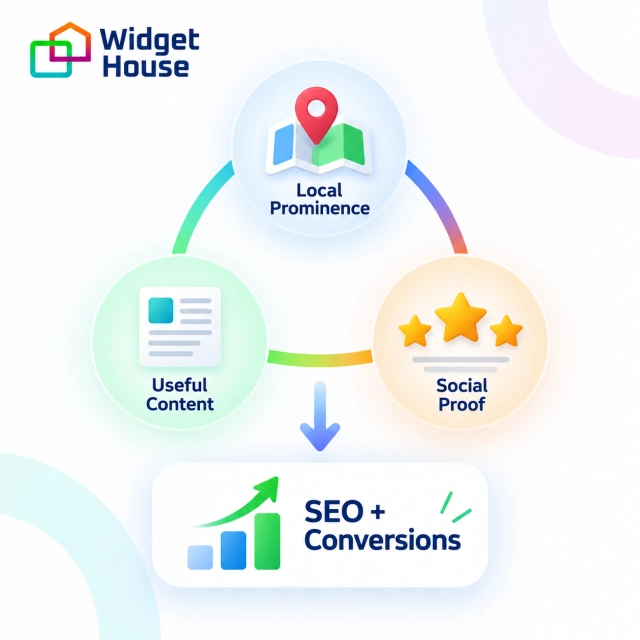
The benefits work in three different ways:
- Google Business Profile reviews can contribute to local search prominence.
- Reviews displayed on your website can add relevant customer language and useful context.
- Social proof can help more visitors trust the business and convert.
A Google Reviews widget is best used as a convenient way to keep that social proof current. It should complement strong website content, good local SEO, and a complete Google Business Profile—not replace them.
Google Reviews SEO Checklist
- Complete and verify your Google Business Profile.
- Collect genuine customer reviews consistently.
- Respond professionally to positive and negative reviews.
- Display reviews on important website pages.
- Match reviews to the relevant service or location.
- Confirm that review text appears in rendered HTML.
- Test the widget on mobile devices.
- Check page speed before and after installation.
- Do not expect self-serving reviews to generate organic review stars.
- Measure conversions as well as rankings.